

In today’s digital landscape, protecting your home business from cyber threats has never been more crucial. As a home business owner, safeguarding your sensitive data and maintaining the trust of your customers is essential for your success. This article explores a comprehensive set of data security best practices that can help you fortify your business against the ever-evolving landscape of cybersecurity threats.
Key Takeaways
- Understand the importance of data security for home businesses
- Assess your current security measures and identify vulnerabilities
- Implement strong password policies and utilize password managers
- Regularly update your software and systems to maintain security
- Establish secure network practices and utilize a VPN
Understanding the Importance of Data Security
As technology continues to revolutionize the way we conduct business, the need for robust data security practices has become paramount, especially for home-based enterprises. These small operations are often seen as easy targets by cybercriminals, making it crucial for owners to understand the significance of safeguarding their sensitive information.
Common Threats to Home Businesses
Home-based businesses face a myriad of cybersecurity threats, including data breaches, malware infections, phishing scams, and unauthorized access to their systems. These threats can not only compromise sensitive client or financial data but also disrupt day-to-day operations, eroding the trust that customers have placed in the business.
The Impact of Data Breaches
The repercussions of a data breach can be devastating for a home business. Beyond the immediate financial losses and potential legal liabilities, a breach can also lead to reputational damage, making it challenging to retain existing clients and attract new ones. In an increasingly digital landscape, the trust that customers place in a business is often contingent on its ability to safeguard their personal and confidential information.
Why Your Data Matters
In the modern business world, data is a valuable asset that must be protected. Your client records, financial information, and proprietary business data are all crucial elements that contribute to the success and sustainability of your home-based enterprise. Neglecting data security can not only jeopardize your current operations but also hinder your ability to grow and thrive in the long run.
By recognizing the importance of data security and implementing robust measures to safeguard your sensitive information, you can enhance the resilience of your home business and instill confidence in your customers. Investing in effective security practices can ultimately lead to long-term success and growth, making it a critical priority for any aspiring entrepreneur.
Assessing Your Current Data Security Level
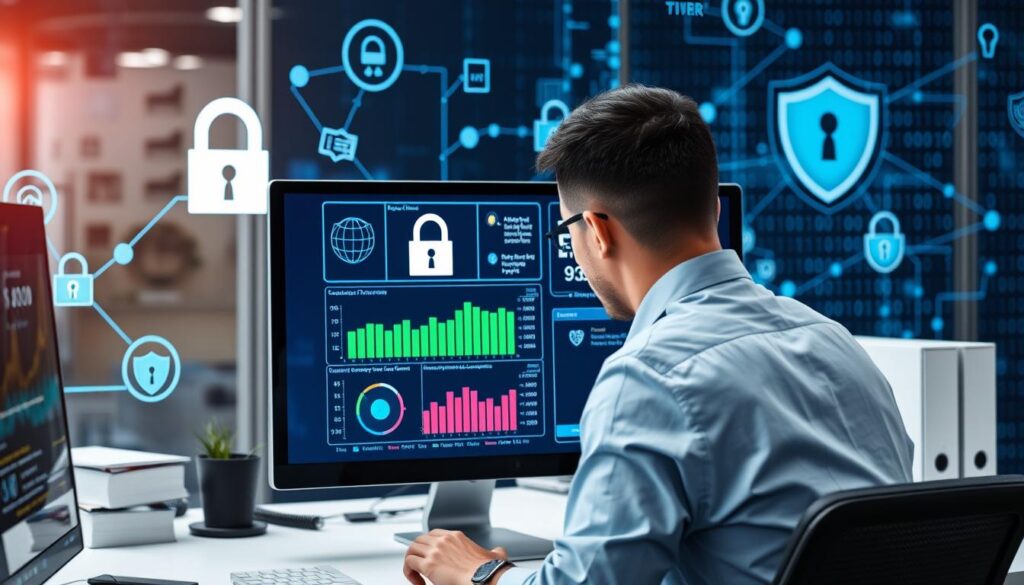
As a home business owner, understanding your current data security posture is crucial. To get a clear picture, it’s essential to conduct a thorough security audit. This process involves a comprehensive review of your systems, network, and security measures to identify potential vulnerabilities and assess the overall effectiveness of your data protection strategies.
Conducting a Security Audit
A security audit should cover various aspects of your business operations, including:
- Reviewing your network infrastructure for any weak points or misconfigured settings
- Evaluating the security of your web applications, databases, and cloud-based services
- Assessing the physical security measures in place, such as locks, access controls, and surveillance systems
- Examining your employee security practices, including password policies and access privileges
Identifying Vulnerabilities
Once the security audit is complete, it’s time to analyze the findings and identify any vulnerabilities that could potentially expose your data to unauthorized access or malicious activities. This may include outdated software, unpatched systems, weak passwords, or inadequate data backup procedures.
Documenting Security Measures
After the vulnerability assessment, it’s crucial to document your existing security measures. This documentation will serve as a baseline for future improvements and help you track the progress of your data security efforts. Be sure to include details on your network configurations, access controls, backup strategies, and any other relevant security-related information.
“Conducting a comprehensive security audit is the first step in safeguarding your home business’s data. It’s the foundation upon which you can build a robust data security strategy.”
By following these steps, you’ll gain a clear understanding of your current data security level and identify areas that require immediate attention or improvement. This knowledge will be invaluable as you work to strengthen your home business’s data protection measures.
Creating Strong Password Policies
In the digital age, password security is paramount for protecting your home business. Establishing robust password policies is a crucial step in safeguarding your sensitive information and maintaining the integrity of your systems.
Importance of Unique Passwords
Using unique, complex passwords for each account is essential. Reusing the same password across multiple platforms increases the risk of a data breach, as a single compromised password can grant access to multiple accounts. Encourage your employees to create strong, unique passwords that combine uppercase and lowercase letters, numbers, and special characters.
Utilizing Password Managers
Managing a multitude of unique passwords can be challenging, but password management tools can simplify this process. Password managers securely store and encrypt your login credentials, allowing you to access them with a single master password. This not only enhances security but also streamlines the login process for your team.
Implementing Two-Factor Authentication
To further strengthen your password security, consider implementing two-factor authentication (2FA) across your business applications. 2FA adds an extra layer of protection by requiring users to provide a second form of verification, such as a one-time code sent to their mobile device, in addition to their password. This significantly reduces the risk of unauthorized access, even if a password is compromised.
| Password Security Measure | Description | Key Benefits |
|---|---|---|
| Unique Passwords | Using a different password for each account | Prevents data breaches from spreading across multiple accounts |
| Password Managers | Secure storage and encryption of login credentials | Simplifies password management and enhances overall security |
| Two-Factor Authentication | Requiring a second form of verification in addition to a password | Adds an extra layer of protection against unauthorized access |
By implementing these password security best practices, you can significantly reduce the risk of data breaches and protect your home business from the devastating consequences of compromised passwords.
Regularly Updating Software and Systems

In the rapidly evolving digital landscape, keeping your software and systems up-to-date is crucial for maintaining robust cybersecurity and protecting your home business. Regular updates not only address known vulnerabilities but also introduce new features and improvements that can enhance the overall performance and security of your systems.
Keeping Operating Systems Current
Operating system updates are often the first line of defense against emerging threats. These updates patch security vulnerabilities, improve system stability, and introduce new functionalities that can benefit your business operations. Staying on top of software updates ensures your devices and infrastructure are equipped to handle the latest security challenges.
Importance of Software Updates
Software updates are not just about adding new features; they play a crucial role in system maintenance and cybersecurity. Software vendors regularly release updates to address known security issues, fix bugs, and improve overall software performance. By keeping your applications and programs up-to-date, you can safeguard your business from the latest threats and ensure your systems are operating at their peak efficiency.
Setting Up Automatic Updates
- Enable automatic software updates whenever possible, ensuring your systems are always running the latest and most secure versions.
- Configure your operating systems and applications to automatically download and install updates, minimizing the manual effort required to maintain your software updates.
- Regularly review your update settings to ensure they are configured to your preferences and business needs, striking a balance between security and system downtime.
By embracing a proactive approach to software updates and system maintenance, you can safeguard your home business from the ever-evolving cybersecurity threats and ensure your systems are operating at their best.
Establishing Secure Network Practices
In today’s digital landscape, secure network practices are essential for protecting your home business. By implementing robust network security measures, you can safeguard your data, devices, and online activities from a variety of threats. Let’s explore three key strategies to establish a secure network environment.
Using a Virtual Private Network (VPN)
A Virtual Private Network (VPN) is a powerful tool for enhancing network security. By creating an encrypted tunnel between your device and the internet, a VPN helps shield your online activities from prying eyes. This is particularly important when using public Wi-Fi networks, as a VPN can prevent eavesdropping and data theft. Additionally, a VPN can provide access to geo-restricted content, allowing you to bypass censorship and access resources from anywhere in the world.
Securing Your Wi-Fi Network
Your home Wi-Fi network is a critical component of your business’s network security. Ensure that your Wi-Fi router is configured with strong, unique passwords, and consider enabling WPA2 or WPA3 encryption to protect your network traffic. Additionally, keep your router’s firmware up-to-date to address any known vulnerabilities. By taking these proactive steps, you can significantly reduce the risk of unauthorized access to your network and the sensitive data that flows through it.
Monitoring Network Activity
Vigilant monitoring of your network activity is essential for detecting and preventing potential security threats. Consider implementing a network monitoring solution that can help you identify unusual traffic patterns, detect suspicious activities, and receive alerts about potential intrusions. By closely monitoring your network, you can quickly respond to any security incidents and take appropriate actions to mitigate the impact on your business.
Establishing secure network practices is a critical component of protecting your home business from cyber threats. By leveraging a VPN, securing your Wi-Fi network, and monitoring your network activity, you can create a robust and resilient network security ecosystem that safeguards your operations and safeguards your sensitive information.
Data Backup Strategies
In today’s digital landscape, where data is the lifeblood of businesses, having a robust data backup strategy is crucial. Regular backups not only safeguard your valuable information but also provide a critical safeguard against data loss, ensuring business continuity in the face of unexpected disasters.
Importance of Regular Backups
Data is the cornerstone of any home business, and the consequences of losing it can be devastating. Whether it’s customer records, financial documents, or crucial project files, the impact of a data breach or system failure can be far-reaching, leading to lost productivity, financial setbacks, and even reputational damage. Implementing a reliable data backup system is essential to mitigate these risks and protect the integrity of your business.
Choosing a Backup Method
- Cloud-based backup solutions: Leveraging cloud storage services, such as Google Drive or Dropbox, can provide a convenient and secure way to store your data offsite, ensuring it’s accessible from anywhere with an internet connection.
- Local backup devices: External hard drives or network-attached storage (NAS) devices offer a physical, on-premises backup solution, providing an additional layer of protection against data loss.
- Hybrid backup approach: Combining cloud-based and local backup methods can offer the best of both worlds, with the flexibility and convenience of cloud storage and the added security of a physical backup device.
Testing Backup Restoration
Regularly testing your backup system is crucial to ensure its reliability and effectiveness. Performing test restores can help you identify any potential issues with your backup process, allowing you to address them before a real emergency occurs. This practice not only gives you peace of mind but also ensures that you can quickly and efficiently recover your data when needed.
| Backup Method | Pros | Cons |
|---|---|---|
| Cloud-based Backup |
|
|
| Local Backup Devices |
|
|
| Hybrid Backup |
|
|
By implementing a comprehensive data backup strategy, you can safeguard your home business against the unexpected and ensure the resilience of your most valuable asset – your data.
Educating Employees on Data Security
In an era where data breaches and cyber threats are on the rise, it’s crucial for small business owners to prioritize employee education and foster a strong data security culture. Implementing effective employee training programs and nurturing an environment of security awareness can go a long way in protecting your company’s sensitive information.
Conducting Training Programs
Regularly scheduled employee training sessions are a vital component of a robust data security strategy. These sessions should cover a range of topics, including password management, identifying phishing attempts, and responding to suspected security incidents. By equipping your team with the knowledge and skills to recognize and mitigate potential threats, you can significantly reduce the risk of a costly data breach.
Creating a Data Security Culture
- Encourage open discussions about data security best practices
- Recognize and reward employees who demonstrate a strong commitment to data protection
- Incorporate data security into your company’s core values and overall mission
Encouraging Open Communication
Fostering a culture of transparency and open communication is essential for maintaining a secure data environment. Encourage employees to report any suspicious activity or security concerns without fear of repercussion. By creating a supportive and collaborative environment, you can empower your team to be active participants in safeguarding your company’s sensitive information.
Investing in employee education and cultivating a data security-focused culture are critical steps in protecting your small business from the devastating consequences of a data breach. By equipping your team with the knowledge and tools to identify and respond to security threats, you can mitigate risks and safeguard the future of your company.
Utilizing Security Software
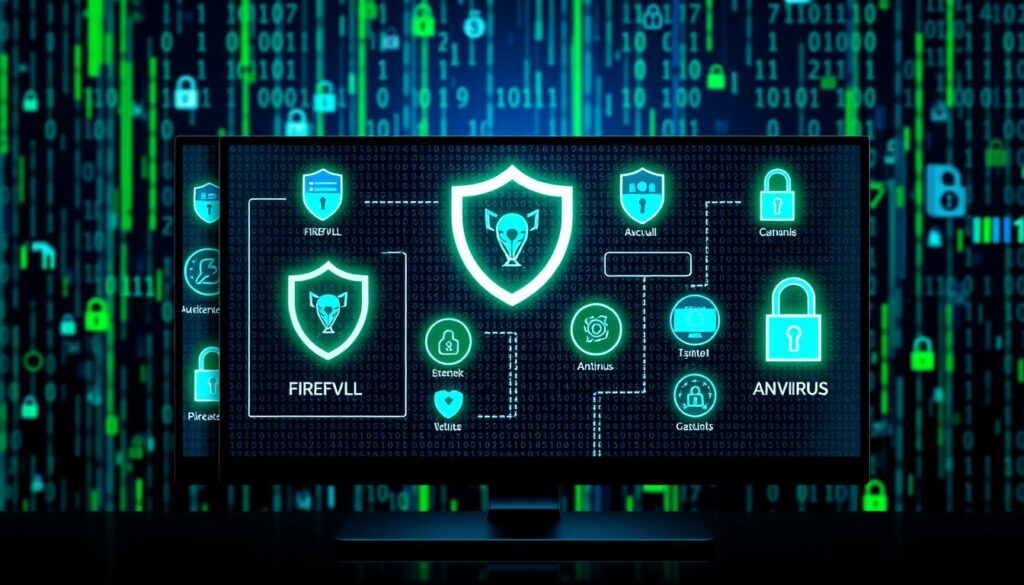
In the digital age, protecting your home business from cyber threats is paramount. One of the most effective ways to safeguard your data is by utilizing a robust suite of security software. These tools can help defend your systems against a variety of malicious attacks, from viruses and malware to unauthorized access attempts.
Types of Security Software to Consider
When it comes to securing your home business, there are several types of security software worth considering. These include antivirus and anti-malware solutions, firewalls, and intrusion detection systems. Each of these tools plays a crucial role in maintaining the integrity of your data and the overall security of your network.
Antivirus and Anti-Malware Solutions
Antivirus and anti-malware software are essential components of any comprehensive security strategy. These programs scan your systems for known threats, detect and remove any malicious code, and provide real-time protection against emerging cyber risks. Keeping your antivirus and anti-malware solutions up-to-date is crucial, as new threats are constantly emerging.
Firewalls and Intrusion Detection
Firewalls are another critical piece of security software, acting as a barrier between your network and the internet. They monitor and control incoming and outgoing traffic, blocking any suspicious or unauthorized activity. Intrusion detection systems, on the other hand, are designed to identify and alert you to potential security breaches, allowing you to take immediate action to mitigate the threat.
By investing in a suite of security software tailored to your home business needs, you can significantly reduce the risk of data breaches, malware infections, and other cyber threats. Stay vigilant, keep your systems updated, and prioritize the protection of your valuable business data.
“Cybersecurity is no longer a luxury, but a necessity for businesses of all sizes. Protecting your data should be a top priority.”
Understanding Legal Requirements and Compliance
As a home business owner, it’s crucial to be aware of the legal requirements and compliance standards surrounding data protection and security. Navigating the complex web of data protection regulations can seem daunting, but staying informed and compliant is essential for safeguarding your business and your customers’ sensitive information.
Overview of Data Protection Regulations
Key data protection regulations, such as the General Data Protection Regulation (GDPR) and the California Consumer Privacy Act (CCPA), outline strict guidelines for how businesses must handle and protect personal data. These laws have far-reaching implications, and non-compliance can result in hefty fines and reputational damage.
Importance of Compliance for Home Businesses
While home-based businesses may seem small in scale, they are not exempt from these data protection laws. In fact, the consequences of a data breach can be just as devastating for a home business as for a large corporation. Maintaining legal compliance helps to build trust with your customers, protect your business from costly penalties, and ensure the long-term viability of your enterprise.
Keeping Up with Changes in Laws
- Data protection regulations are constantly evolving, so it’s crucial to stay informed about any changes or updates that may impact your business.
- Regularly review industry publications, attend webinars, and join relevant professional organizations to stay up-to-date on the latest legal and compliance requirements.
- Consult with legal experts or compliance specialists if you have any questions or concerns about how to best protect your business and your customers’ data.
By understanding the legal requirements and maintaining compliance with data protection regulations, home-based businesses can demonstrate their commitment to data security and build a strong foundation of trust with their customers. This not only safeguards your business but also positions you as a responsible and trustworthy provider in the eyes of your clients.
| Regulation | Key Requirements | Penalties for Non-Compliance |
|---|---|---|
| General Data Protection Regulation (GDPR) |
|
Up to 4% of annual global revenue or €20 million, whichever is greater |
| California Consumer Privacy Act (CCPA) |
|
Fines up to $7,500 per violation, plus potential civil lawsuits |
Developing an Incident Response Plan
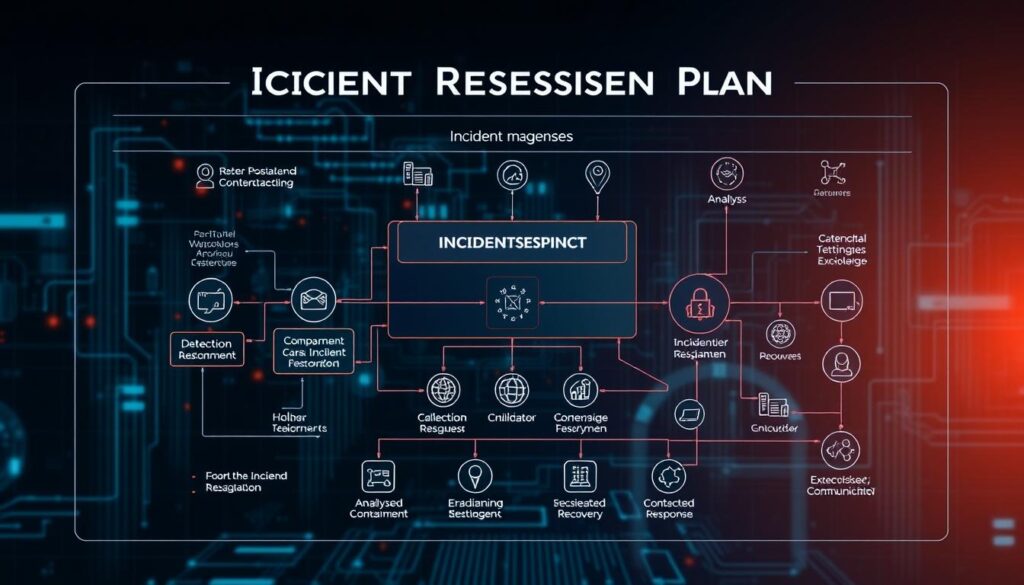
In the ever-evolving landscape of cybersecurity, having a well-crafted incident response plan is crucial for home businesses. This comprehensive plan outlines the steps to take in the event of a data breach, ensuring a swift and effective response that minimizes the impact on your operations and protects your valuable data.
What to Include in Your Plan
An effective incident response plan should cover the following key elements:
- Clear communication protocols, including who to notify and how
- Detailed incident assessment and response procedures
- Backup and recovery strategies to restore data and systems
- Employee training and responsibilities during a breach
- Legal and regulatory compliance requirements
Steps to Take After a Breach
When a data breach occurs, time is of the essence. Your incident response plan should outline the immediate steps to take, such as:
- Contain the breach and prevent further data loss
- Assess the scope and nature of the incident
- Notify affected parties, including customers and authorities
- Implement backup and recovery procedures to restore operations
- Investigate the root cause and take measures to prevent future breaches
Testing Your Incident Response Plan
Regular testing and updates to your incident response plan are crucial for maintaining cybersecurity preparedness. Conduct periodic simulations and drills to ensure your team is well-versed in the plan and identify any areas for improvement.
“The best time to prepare for a security incident is before it happens. By developing a comprehensive incident response plan, you can minimize the impact and ensure your business is resilient in the face of a data breach.”
Staying Informed on Emerging Threats
In the rapidly evolving world of cybersecurity, staying up-to-date with the latest threats and trends is crucial for protecting your home business. By following reputable data security news sources, you can gain valuable insights into emerging cybersecurity challenges and best practices to safeguard your sensitive information.
Following Data Security News
Regularly reading industry publications, blogs, and news outlets focused on cybersecurity can help you stay informed about the latest threats, vulnerabilities, and security advancements. This knowledge will enable you to proactively address potential risks and implement effective countermeasures to keep your business secure.
Joining Industry Groups
Connecting with like-minded professionals in the cybersecurity field can be an invaluable resource. By joining industry groups, online forums, or professional associations, you can exchange ideas, share experiences, and gain access to a wealth of knowledge from experts in the field. This collaborative approach can enhance your understanding of cybersecurity trends and emerging threats.
Attending Webinars and Workshops
Participating in webinars, workshops, and other educational events focused on security education can provide you with actionable insights and best practices to strengthen your data security measures. These interactive sessions often feature industry leaders who share their expertise, techniques, and strategies for safeguarding your home business against evolving cybersecurity challenges.

Leave a Reply