

Remote work is changing fast, and your home office needs to keep up. In 2025, you’ll need more than just the basics. You’ll need tools that boost your productivity, comfort, and health. This guide will show you how to set up a home office that’s both efficient and comfortable.
Key Takeaways
- Discover the must-have items for a productive and comfortable home office in 2025
- Learn how to create an ergonomic and visually appealing workspace
- Explore the latest technology tools and accessories to boost your efficiency
- Understand the importance of prioritizing your health and well-being while working remotely
- Prepare for the evolving trends and challenges of the remote work landscape
Creating Your Ideal Home Office Setup
Setting up an ergonomic and organized home office is key for your productivity and well-being. By choosing the right desk, chair, and office supplies, you can make a workspace that inspires and supports your work. Let’s explore the main elements of creating your perfect home office setup.
Choosing the Right Desk
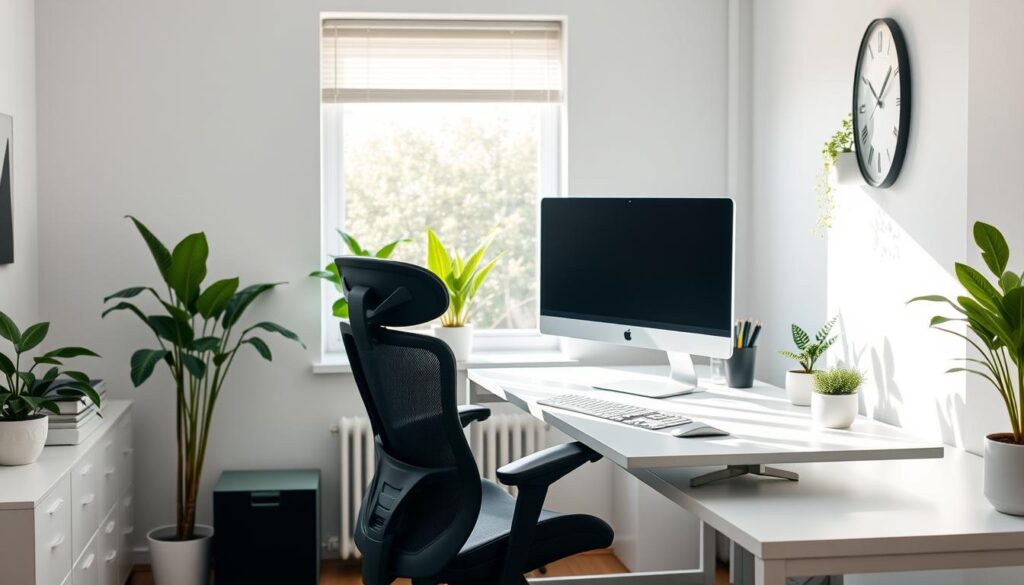
The desk is the base of your home office. Find a desk that fits your room and has enough space for your computer, documents, and other items. Consider an adjustable-height desk or a standing desk to improve your posture and avoid ergonomic problems.
Picking the Perfect Chair
A comfortable, supportive chair is essential for good posture during long work hours. Look for a chair with adjustable features like seat height, backrest, and armrests for a custom fit. An ergonomic office chair can greatly improve your musculoskeletal health.
Essential Office Supplies
To keep your home office organized and productive, get the necessary office supplies. This includes a reliable printer, quality pens and pencils, a document organizer, and other tools to help you stay focused and efficient.
By carefully choosing the right furniture and supplies, you can create an ergonomic office setup that supports your health and well-being. This can lead to better productivity and a more enjoyable work-from-home experience.
Technology Tools for Productivity
Working from home can be easier with the right tech tools. This section will cover the must-haves for a productive home office. You’ll learn about software and accessories that boost your work efficiency.
Must-Have Software
To stay organized, use these tools:
- Project management software like Trello or Asana to organize your tasks.
- Communication platforms such as Slack or Microsoft Teams for easy team chats.
- Cloud-based storage like Google Drive or Dropbox for easy document access.
- Note-taking apps like Evernote or OneNote for jotting down ideas and meeting notes.
Recommended Accessories
Good hardware is key for comfort and productivity at home. Here are some top picks:
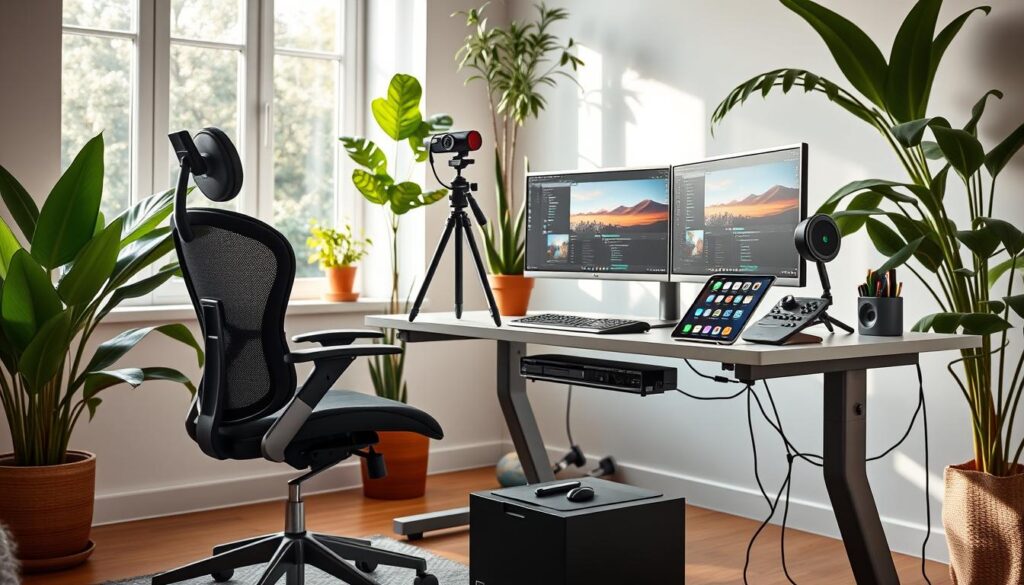
- A high-quality monitor or dual-monitor setup for more screen space and less eye strain.
- An ergonomic keyboard and mouse to prevent wrist and hand pain.
- A reliable webcam and headset for clear video calls and team chats.
- A desk riser or standing desk converter for better posture and health.
Using these productivity tools and virtual collaboration tools helps you work better from home. They make your workspace efficient and effective.
“Efficiency is doing things right; effectiveness is doing the right things.” – Peter Drucker
Ergonomic Solutions for Comfort
Setting up an ergonomic home office is key for your health and work efficiency. It’s important to pick the right chair and add desk risers and stands. Let’s look at some top ergonomic solutions to make working from home better.
Ergonomic Chairs
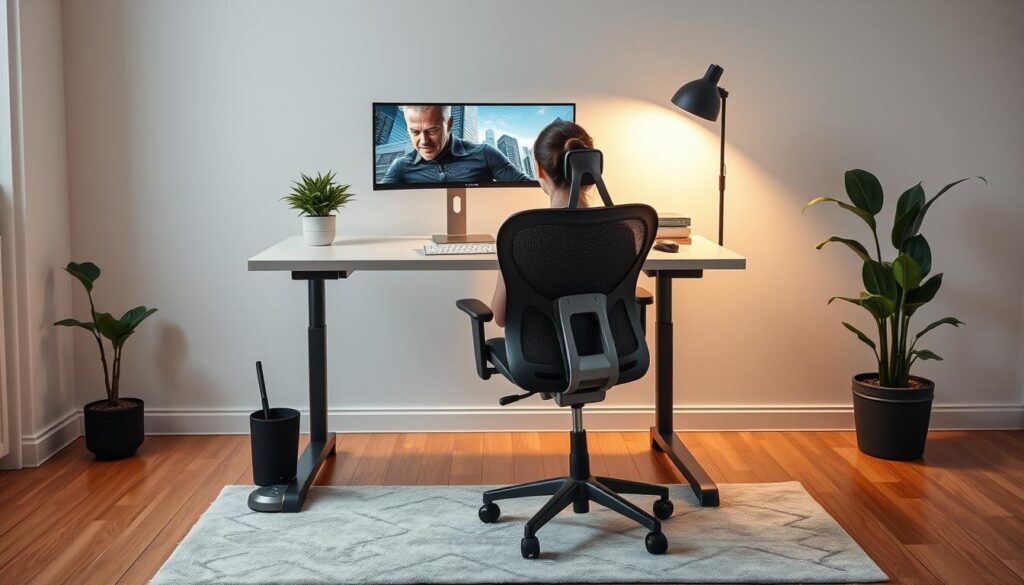
An ergonomic chair greatly supports your back and posture during long work hours. Look for chairs with adjustable features like lumbar support and seat height. A good ergonomic chair can prevent muscle problems and keep you energized all day.
Desk Risers and Stands
Sitting for too long can harm your neck and circulation. Desk risers and stands help you switch between sitting and standing. They keep your monitor and keyboard at a better height, improving your posture and movement.
Adding these ergonomic solutions to your home office boosts comfort and health. An ergonomic office setup and healthy habits help you stay focused, avoid physical strain, and enjoy a productive work-from-home life.
“Investing in the right ergonomic solutions can make a significant difference in how you feel and perform throughout the workday.”
Enhancing Your Work Environment
Setting up a good work-from-home space is key for staying healthy and reaching your work goals. It’s not just about having a desk and chair. Think about adding these important items to make your space better.
Lighting Recommendations
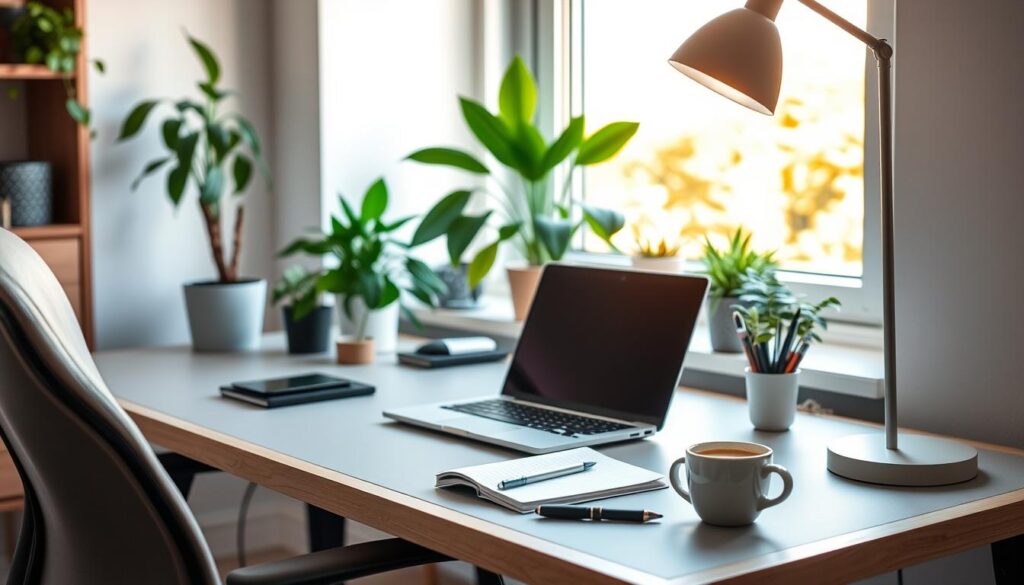
Good lighting is vital for your eyes and work efficiency. Mix natural light from windows with task lighting like desk lamps. This combo helps avoid eye strain and makes your space feel welcoming. Try out different lighting setups to find what works best for you.
Soundproofing Tips
- Put up acoustic panels or sound-absorbing curtains to block out outside noise.
- Use a white noise machine or a calming sound app to focus better.
- Invest in noise-canceling headphones to keep out distractions.
Inspirational Décor Ideas
Make your workspace your own with things that inspire you. Hang art, display quotes, or add plants for a calm feel. Your space should show who you are, keeping you motivated and focused all day.
“The space in which we live should be for the person we are becoming, not for the person we were in the past.”
– Marie Kondo
Essential Gadgets for Efficiency
In today’s world of remote work, the right tools are key. High-quality webcams, noise-canceling headphones, and smart assistants can change your day. They make your home office better and help you work more efficiently.
High-Quality Webcam
A good webcam is essential for clear virtual meetings. Choose one with a sharp image and adjustable settings. It should also handle lighting and noise well, so everyone can see and hear you clearly.
Noise-Canceling Headphones
Noise-canceling headphones are great for blocking distractions. They let you focus on your work or meetings without outside noise. This makes your virtual meetings better and helps you stay productive.
Smart Assistants
Smart assistants can transform your home office. They help with scheduling, reminders, and controlling smart devices. They even take notes for you, saving you time for important tasks.
Adding these gadgets to your home office can make a big difference. They improve your workflow, virtual collaboration, and productivity. This makes remote work better and more efficient.
Organizing Your Workspace
Keeping your home office organized is key to staying productive and focused. Whether you’re a remote worker or new to working from home, good home office organization is essential. It makes a big difference in your workday.
Storage Solutions
Good storage is vital for a clutter-free and easy-to-access workspace. Think about using modular shelving, file cabinets, or wall-mounted organizers. These can help keep your documents, office supplies, and more organized.
Desk Organizers
Desk organizers are a must for a tidy workspace. Use desk trays, drawers, and vertical stands to keep your essentials within reach. This saves time and makes your work area more efficient.
Cable Management Tips
Untidy cords and cables can make your office look messy. Use cable organizers, raceways, and clips to keep your wires tidy. This makes your workspace look professional and organized.
Focus on organizing your home office to create a better work environment. It boosts creativity, focus, and productivity. Begin your journey to a more organized home office today.
Health and Wellness Essentials
Working from home means taking care of your health is key. Healthy habits and a good work-life balance boost your job happiness and productivity.
Fitness Equipment for Your Home
Getting good fitness gear for your home is smart. A small treadmill, resistance bands, or a yoga mat are great for quick workouts. These activities can lift your mood, sharpen your focus, and support your healthy habits.
Mental Health Resources
Working from home can make you feel lonely or stressed. Make sure you have mental health tools like online therapy or meditation apps. Regular breaks and mindfulness also help keep you well.
Break Time Essentials
- Healthy snacks and hydrating drinks to keep you going
- Comfortable seating or a standing desk for breaks
- Calming music or nature sounds to relax
Adding these health and wellness essentials to your remote work life can make you excel in your home office. It keeps you positive and productive all day.
“Taking care of your mind and body is just as important as your work. Make time for self-care, and you’ll be better equipped to tackle the challenges of remote work.”
Fostering Communication and Collaboration
In today’s world of remote work, keeping your team connected is key. There are many virtual tools and strategies to help. They make it easy to work together, even from far away.
Best Video Conferencing Tools
Video calls are essential for remote teams. Zoom, Microsoft Teams, and Google Meet are top choices. They offer features like screen sharing and virtual whiteboards. This makes it simple to work together on projects.
Project Management Software
For better workflow, use a strong project management tool. Asana, Trello, and Monday.com are great options. They provide a place for tasks, tracking, and team work. These tools keep remote teams organized and productive.
Using the right tools and promoting open communication helps remote teams succeed. Even when they’re apart, they can stay connected and achieve their goals.
“Effective communication is the lifeblood of any successful remote team.” – Jane Doe, Remote Work Expert
Keeping Your Focus
Working from home can be tough, but there are many productivity tools and time management techniques to help. They keep you on track and efficient.
Distraction-Free Tools
Staying focused at home means cutting out distractions. Apps like Freedom and [Forest] block social media and email. They help you focus on your work.
These tools are great for keeping your attention and boosting productivity.
Time Management Apps
There are also many time management apps to organize your day. Apps like [Pomodoro Technique] and [Trello] help you:
- Prioritize tasks
- Track time on projects
- Schedule breaks to avoid burnout
- Work with your team
Using these productivity tools and time management techniques daily can improve your focus. You’ll get more done from home.
“The key to productivity is not doing more, but doing the right things.” – Cal Newport, author of ‘Deep Work’
Preparing for Future Trends
The work world is changing fast, and we need to keep up. Experts say we’ll see more flexible home offices and new skills for success. These changes will shape how we work from home.
Remote Work Predictions
More people will work from home and the office. This means we’ll need to get better at working together online. Keeping our work safe from hackers will also be key.
Adaptable Workspace Ideas
Make your home office ready for the future. Choose furniture and tech that can change with your needs. Think about desks that adjust and smart lights that help you work better.
Skills Development Resources
Remote work is here to stay, so we must learn new skills. Improve your skills in managing projects, talking online, and analyzing data. Look for online courses and webinars to learn more about work from home essentials and cybersecurity measures.

Leave a Reply